Manually handling customer inquiries, constantly syncing workflows, or losing leads because your team is slammed—all of that ends today. With Reput-Media's AI Agent Builder, you transform raw instructions instantly into autonomous workflows that run completely on their own.
Whether you need a customer service expert, a proactive sales assistant, an internal productivity bot, or a marketing hand; this platform delivers the complete infrastructure to build intelligent agents powered by real business data and real-time context.
What is the AI Agent Builder?
The AI Agent Builder combines conversational AI, deep knowledge retrieval, workflow automation, and third-party integrations into a single, unified canvas. Instead of a passive chatbot that only responds when a button is clicked, you create a digital employee that:
-
Manages communication across multiple channels simultaneously (including website chat, email, WhatsApp, Telegram, and more).
-
Independently understands user requests, retrieves necessary information, and executes targeted actions.
-
Remembers contextual conversations and automates repetitive business processes humanly and consistently.
Two Ways to Build
The dashboard gives users the ultimate flexibility to build exactly the way they prefer:
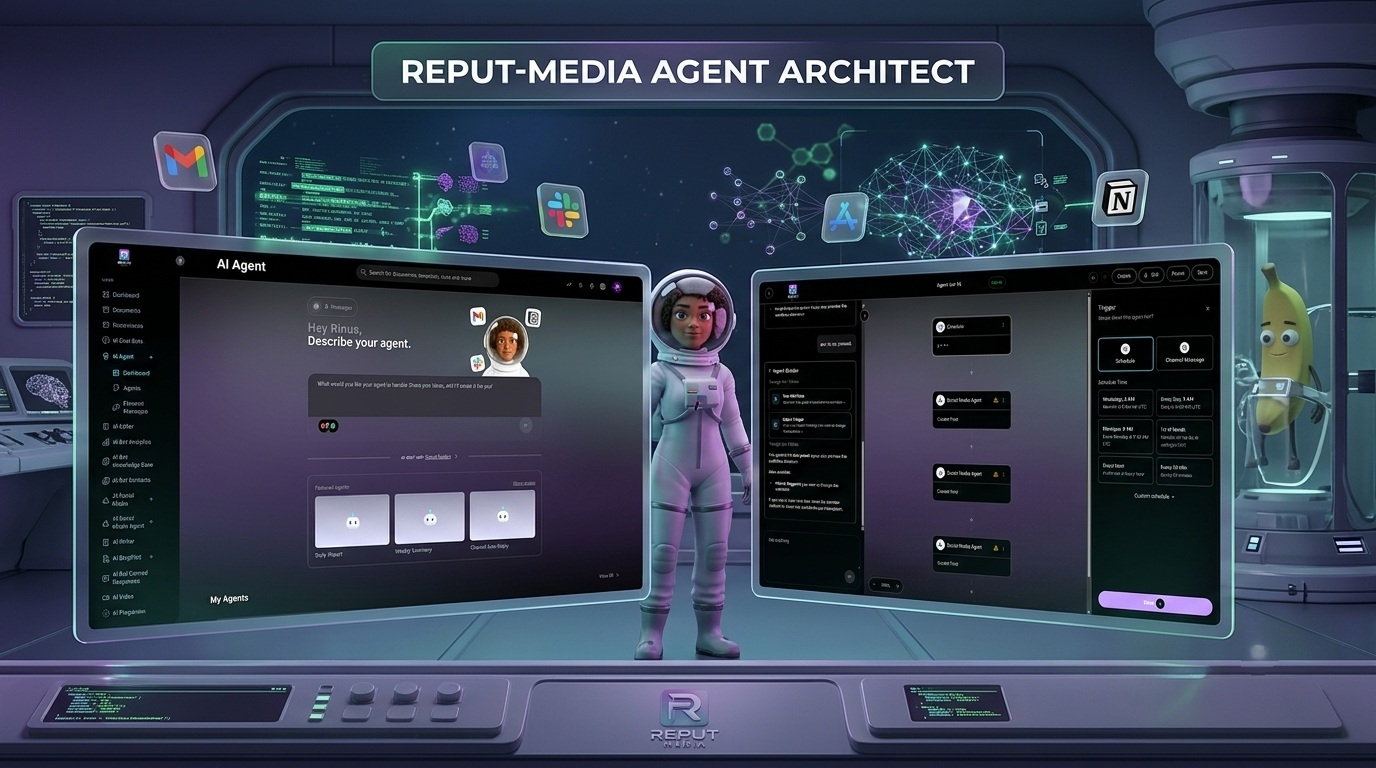
1. Conversationally via Copilot
Simply open a chat with the built-in AI assistant (Copilot). Describe in your own words what you want the agent to handle (for example: "Help my customers with questions about their order and send an email if it escalates"). The Copilot instantly translates your ideas into a fully functioning background configuration.
2. Visually via the Drag-and-Drop Canvas
Prefer to map out the exact logic yourself? Switch over to the Visual Builder. Drag blocks onto an infinite canvas and visually connect triggers to conditions and actions, giving you an at-a-glance view of your entire information flow.
The Anatomy of an Autonomous Agent
To get an agent operational and successful, you configure three core pillars within the platform:
1. Triggers (When does the agent run?)
An agent springs into action based on two distinct trigger types:
-
Channel Message: The agent reacts instantly the second a new message arrives on any connected channel (such as a website chat, a text over WhatsApp, or an incoming email).
-
Schedule (Recurring Timetable): The agent runs on a fixed timetable. This is perfect for automatically generating recurring internal reports, checking for system updates, or sending out automated follow-ups.
2. Knowledge & Data (Personalized Context)
An agent only performs as well as it knows your business. Train your agent directly using your own documentation:
-
Web Scrapers: Enter a URL and the agent reads your entire website or knowledge base in a flash.
-
Documents: Directly upload internal handbooks, PDFs, or Word files.
-
Structured JSON: Supply the agent with razor-sharp data to process client-specific info with absolute accuracy.
3. External Connectors (Taking Action)
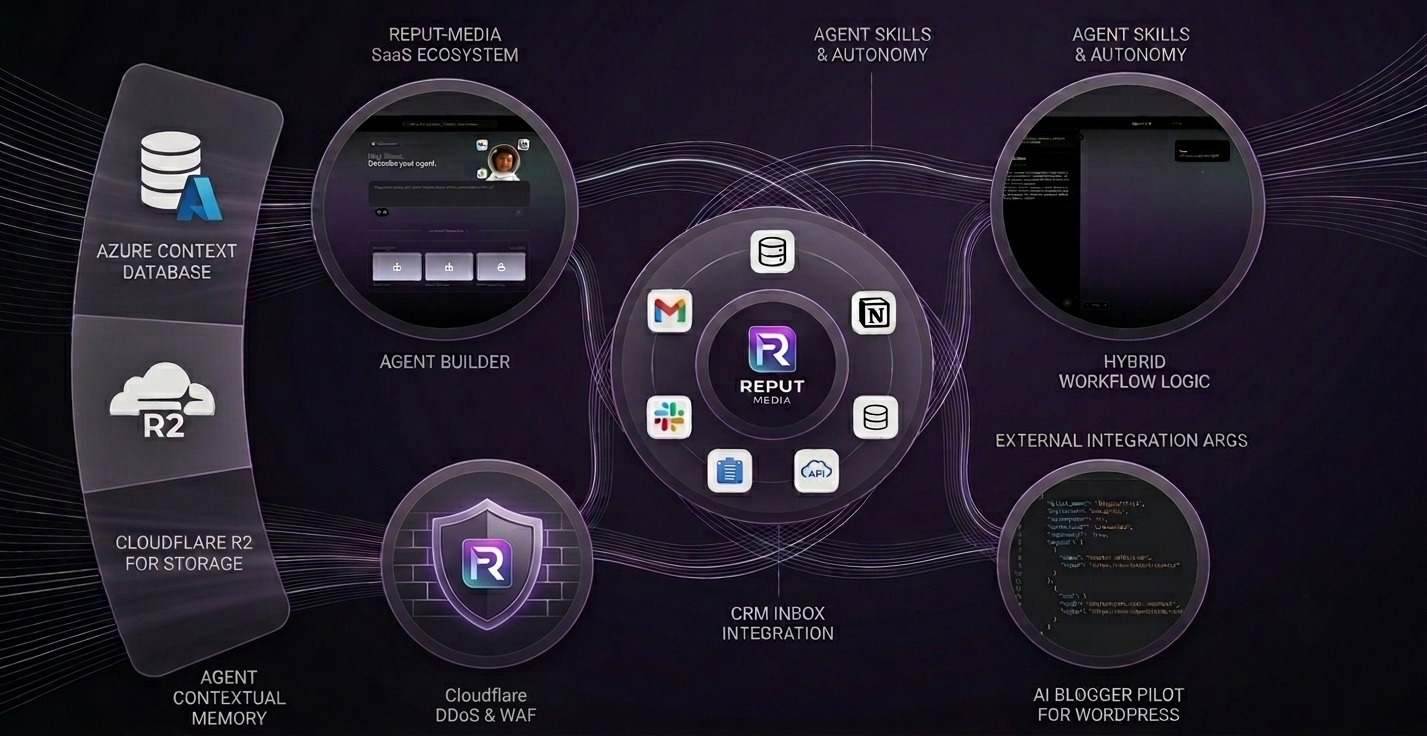
An agent doesn't stop at just talking; it gets to work. By linking external services (such as Gmail, Outlook, Slack, WhatsApp, or custom API Args), the agent can independently draft emails, fire off notifications to your team, or log data right into your productivity tools.
Do's & Dont's for Optimal Results
❌ The Dont's
-
Skipping the Live Preview: Skip testing, and you risk your agent missing a crucial step or firing the wrong action. Always use the test panel on the right to validate your logic.
-
Giving Vague Boundaries: Don't just type "You are an assistant". Be explicit about what the agent can and absolutely cannot do. Clean, targeted instructions yield the highest performance.
The Do's
-
Set the Status to 'Active': Tested the workflow and ready for primetime? Make sure the toggle at the top of your dashboard displays the green Active label.
-
Leverage Hybrid Handoff: Ensure complex scenarios that your agent cannot resolve are instantly pushed to your central CRM Inbox via an action step. A human teammate can then step in and take over the conversation seamlessly.
Ready to Scale Your Business
With the Visual AI Agent Builder, putting repetitive business processes on autopilot is effortless. Win back valuable time, boost customer satisfaction with instant response times, and construct a highly scalable infrastructure that works for you 24/7.
Head over to the AI Agent menu in your dashboard, launch the Copilot or the Visual Builder, and assemble your first digital expert today!